Time Management Software for 2021
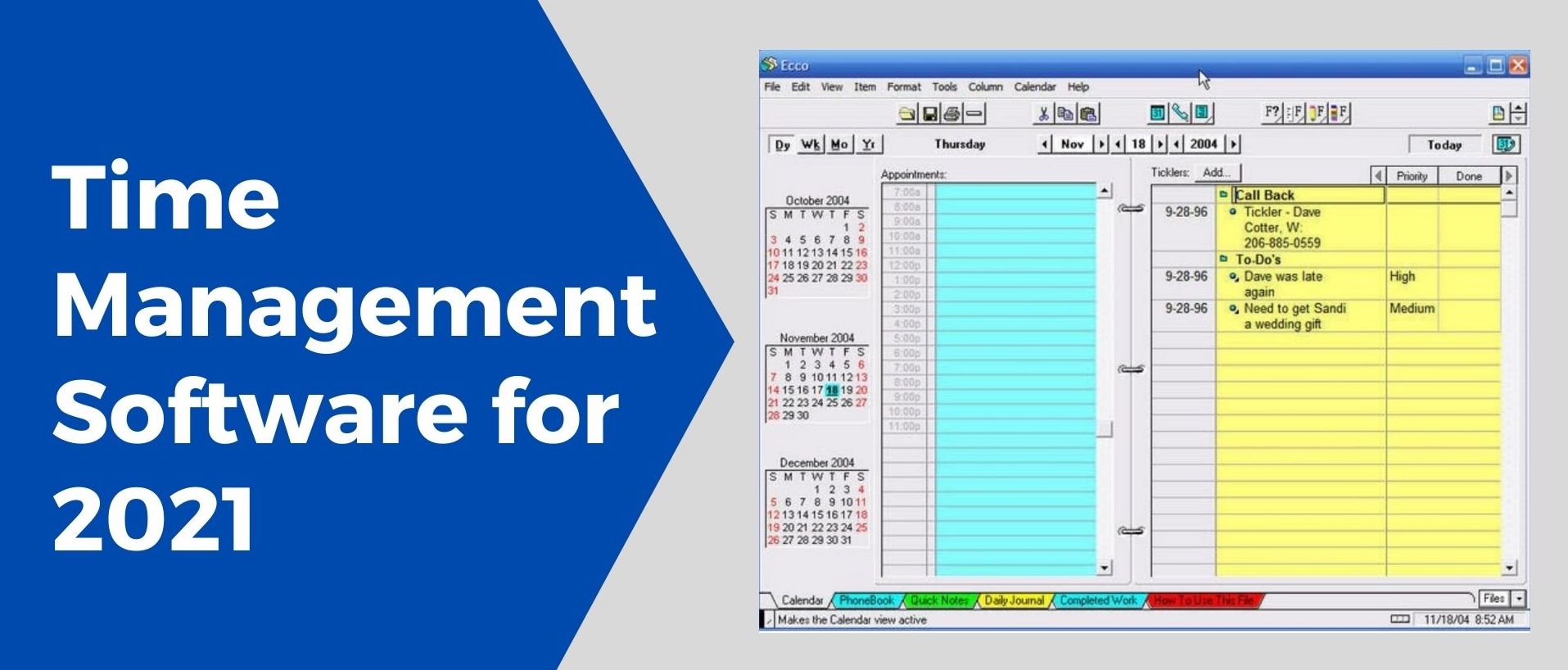
Do you remember a great piece of software called Ecco Pro?
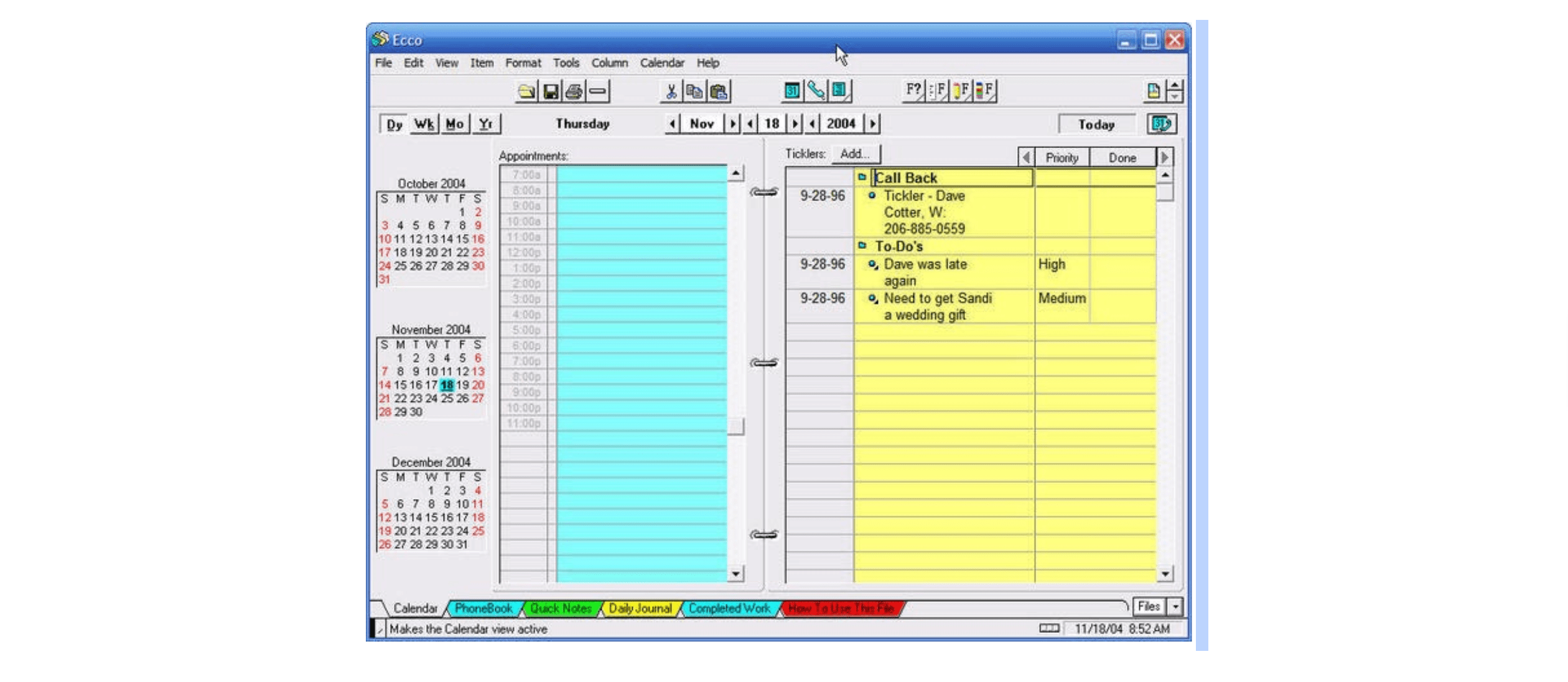 I do because I owned one and loved it!
I do because I owned one and loved it!
The problem
The Apple Newton, Google Glass, and Ecco Pro were the products produced ahead of their time. They ultimately failed because the market was not ready for them. Chances are you have heard of the first two, but Ecco Pro is software that only a few die-hard fans probably remember. Ecco Pro was created in 1993 as a personal information manager by Arabesque Software. It included a unique feature I had not seen repeated since Ecco Pro’s untimely death in 1997, when its most significant competitor Microsoft offered Outlook free to Office users. The feature was that in Ecco Pro you could add any number of tags, using any word or phrase, to any task, note, or reference you wanted to track. That tag would then become a manageable list within the software. For example, let’s say my task is to “Call David Johnson at XYZ Corporation about our sales promotion.” Right next to the task is a tag field, where I can write “XYZ Corporation” as the tag name. Later, I try to call David, but I get his voicemail and leave a message. The next day, I try again and reach him. I make a note that he wants me to send him some literature. I tag each of these tasks and notes I have created with “XYZ Corporation.” By tagging the various tasks and info with “XYZ Corporation,” I automatically create a new task list specific to the company. I could generate a report that would automatically show me everything I have in my planner related to “XYZ corporation.” I did not have to set this up manually – the program did for me. Here is another example… Let’s say I’m tracking the number of hours I worked on the project for XYZ Corporation by logging the information as notes. The note says “worked 6.25 hours on product review.” I tag the note with “XYZ Corporation” since the work was for them, and I also tag it again with “Feb 2021 Work.” By having multiple tags, this note will now show up in both places. First, it will appear on the XYZ Corporation list showing all work related to that account. Secondly, it will automatically show up on the Feb 2021 Work list, which will include all the hours from all the projects I worked that month tagged “Feb 2021 Work.” Of course, if you were diligent enough, you could create these lists manually and copy and paste the relevant information. However, having a program do that for you automatically was a huge time saver. Unfortunately, this feature seems to have died with the program, and I have not found any software that provided the same capability.The solution
Why am I blogging about this? I have decided to build a personal time management system that shares similar to Ecco Pro features. I realize this project is the perfect tool for diving deep into learning about various technology issues. I will share my progress in this blog and discuss implementing different cloud technologies as I progress. My hope is by the end of the project, I will have built a fantastic piece of time management software I can share with those looking for greater project and time management efficiency. The goal, however, is to share the learning I hope to acquire as I go through this process. Having a working program as the outcome will be the icing on the cake.For or latest webinars, check our List of Events.